
Getting Montgomery County Court Records
Go online first. The county case inquiry covers Circuit Court and General Sessions information. The docket index posts current settings as PDFs. Need a full file or a certified copy? Need an older record, or something the screens do not show? Ask the custodian directly. The Montgomery County Circuit Court Clerk handles Circuit, Criminal, General Sessions, Juvenile, traffic, records, and archives functions. Chancery and probate sit with the Clerk and Master. Clarksville Municipal Court keeps city ordinance files and municipal citations.
- Identify the court, full case number, document, and approximate filing or entry date.
- Search the county inquiry and daily docket files for public index information.
- Call or email the correct clerk to ask about inspection, copies, certification, format, and cost.
- Visit the counter or mail a narrow written request when the record is not online.
- Confirm whether fax is accepted before sending a request or filing by fax.
You can reach the Circuit Clerk at 2 Millennium Plaza, Suite 115, Clarksville, TN 37040. The phone is 931-648-5700. The email is cccmont@mcgtn.net, and the fax is 931-648-5729. Hours run Monday through Friday, 8:00 a.m. to 4:30 p.m. The county offers no court-specific general request form and promises no response time.
Montgomery County Record Custodians
Picking the right office first saves real time. The Clerk and Master sits at 2 Millennium Plaza, Suite 101, phone 931-648-5703, email ClerkandMasterInfo@montgomerytn.gov, fax 931-648-5759. That office keeps Chancery, probate, estate, conservatorship, and guardianship records. For Circuit, Criminal, General Sessions, Juvenile, and county traffic matters, the Circuit Court Clerk is the route. The County Clerk at Veterans Plaza is a different office entirely. Do not treat it as the trial-court custodian.
| Matter | Custodian | Best Starting Route |
|---|---|---|
| Circuit, Criminal, General Sessions, Juvenile | Circuit Court Clerk | Online inquiry, phone, email, mail, or Suite 115 |
| Chancery and probate | Clerk and Master | Phone, email, mail, or Suite 101 |
| City ordinance citation | Clarksville Municipal Court | City portal or municipal clerk |
| State appeal | Tennessee appellate clerk | Public Case History Search |
Federal cases run through PACER and the Middle District of Tennessee clerk, not a county office. Tennessee AOC public-record channels cover AOC-held records. Neither replaces the local clerk for a Montgomery County trial file.
Montgomery County Court Record Types
A docket is the index of events and settings. The case file is broader: pleadings, motions, process, exhibits accepted into the record, orders, judgments, and other filed material. A daily docket PDF is narrower still. It can list the court, date, time, case number, style, case type, counsel, setting type, and notes. But that PDF does not mean every pleading or order can be downloaded from it.
Montgomery County forms draw the same distinctions. A plain paper copy just reproduces a document. A certified copy carries the clerk's certification and seal. A General Sessions data CD holds session audio under the form's terms, while a transcript is a written record made through another process. The clerk states plainly that it cannot transcribe the CD. Each product needs its own precise request, and fees may differ.
Montgomery County Court Record Forms
The official forms directory splits Circuit Court materials from General Sessions materials. You will find CD requests, court-cost notices, expungement papers, and transcript-related forms. Motions, summonses, subpoenas, indigency forms, appeals, and other case tools are there too. Grabbing a form is not a record search, though. A download proves nothing about whether a filing was accepted.
The official form-family navigation on that page helps users pick the court. Then they can choose a request or filing document.
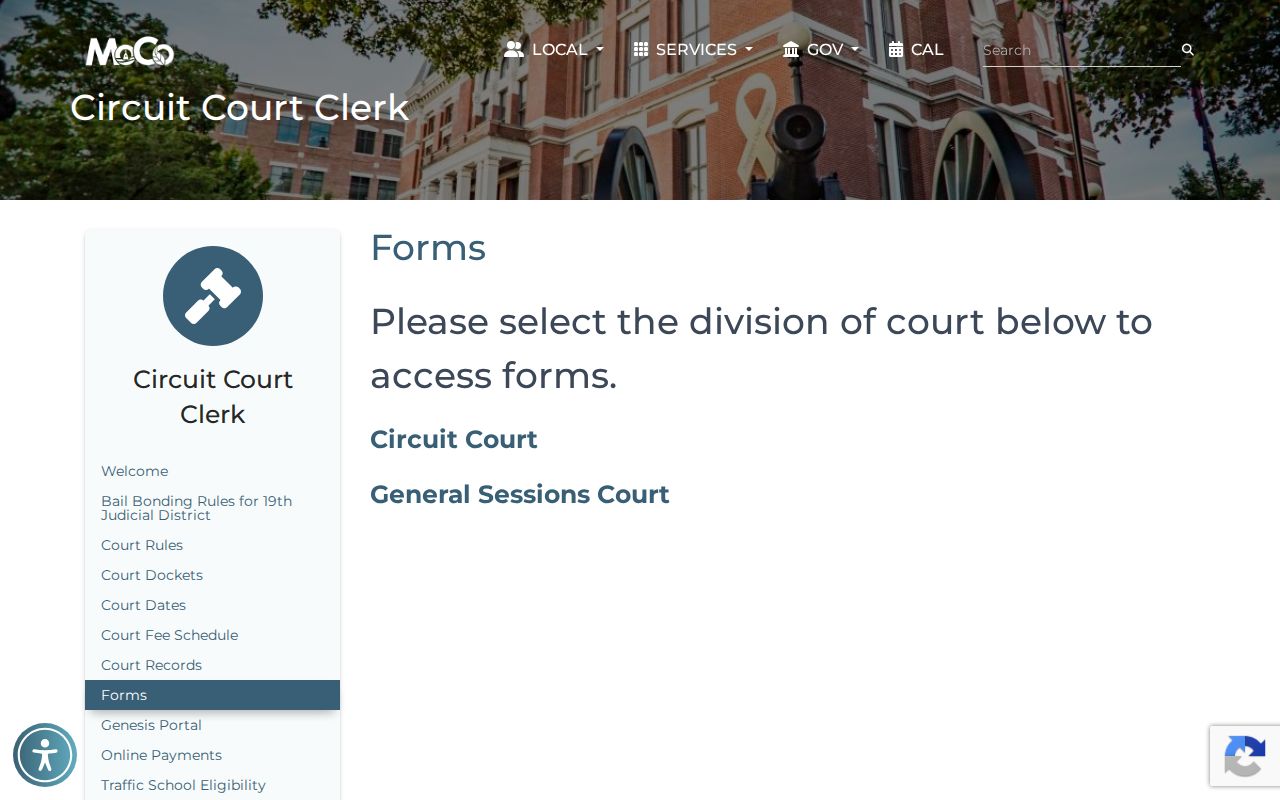
The county allows motions by fax, mail, or in-person delivery, with fees where applicable. Not every records request, fee-bearing filing, or sensitive document can go by fax, though. Confirm the route with the clerk.
Inside Montgomery County Court Records
What appears inside depends on the court and the record. A Circuit Civil docket shows the formatted case number, caption, category, parties, attorneys, hearing date and time, motion or docket-call type, notes, filed-by data, and set-by-clerk indicators. Criminal samples add counts, offenses, officer information, bond fields, filing date, and hearing type. These are field types. No personal details are copied here.
| Docket Sheet | Filed events, settings, and case activity in sequence. |
|---|---|
| Pleadings | Complaints, petitions, answers, motions, or other filed papers. |
| Orders | Court rulings that may carry legal effect after entry. |
| Disposition | The recorded resolution, which must be read in the correct case context. |
| Certification | The clerk's attestation that a copy matches the official record. |
Read entries with care. A motion entry is a request, not an order. A criminal setting is not a conviction. A civil filing does not prove its claims, so when outcome matters, verify the final order or judgment.
Montgomery County Online Record Help
The public inquiry has a dedicated clerk contact screen. Use it when portal access fails, a record does not appear, or the detail on screen does not answer your question. Criminal and traffic coverage online begins November 1, 1999. Civil coverage begins May 1, 2006. Anything older may need a Records and Archives search.
The inquiry contact path on that screen offers direct clerk help instead of a detour through unrelated private services.
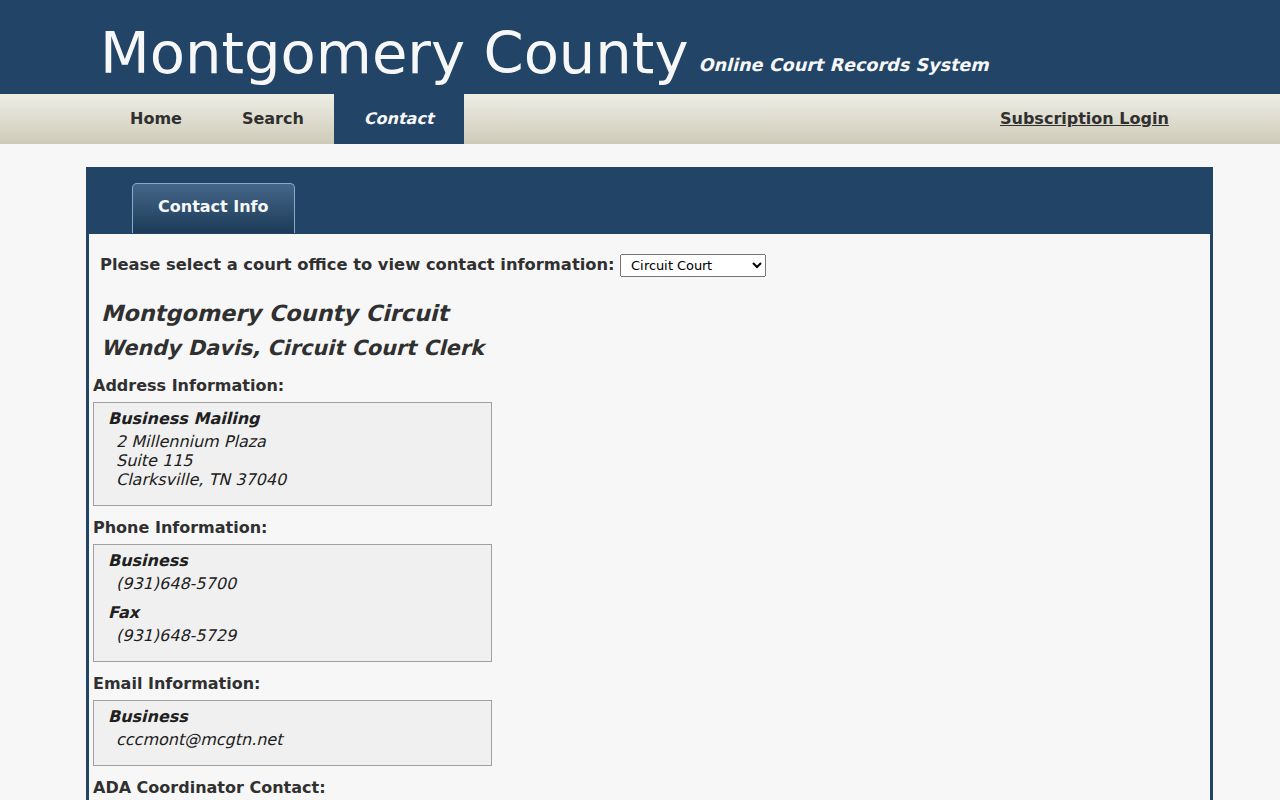
When you contact the office, give the case number, court, document, date or range, format, and certification choice. Leave out Social Security numbers and any sensitive data the request does not need.
Fees and Certified Copies
Montgomery County's 2026 Circuit Civil schedule prices ordinary copies at $0.50 per page. Certification with a seal costs $5. Mailing runs at actual cost. Confirm those figures for your exact court and request, since filing, service, copy, certification, audio, and mailing charges are all separate.
| Record Product | Published Amount | Request Note |
|---|---|---|
| Plain copy | $0.50 per page | Confirm page count and court schedule |
| Certification and seal | $5 | Added when a certified copy is required |
| General Sessions data CD | $5 per CD | Session audio, not a transcript |
| Mailing | Actual cost | Ask for total before payment |
The General Sessions civil sheet lists its own copy and certification fees. Ask which current schedule controls, because fees can change. A free web inquiry does not make certified copies free.
Montgomery County Court Audio Requests
Montgomery County General Sessions offers a Data CD Request for court audio. Fill in the judge, division or courtroom, and the date of the proceeding. Add your name, the request date, and a phone number. The duplicate CD costs $5. It can hold every bit of activity from that session. That is why naming the right courtroom really matters. One caution, though. A CD is sound, not text. The clerk has no way to transcribe the audio for you.
Circuit Criminal recordings work differently. Those proceedings are kept by the state court reporter. The clerk is under no duty to maintain digital audio of them. Given at least 24 hours of advance notice, the clerk may be able to capture audio for review. Do you actually need written testimony? Then ask about the proper court reporter or transcript procedure. Skip the CD if you expect words on paper.
Montgomery County Electronic Record Systems
Two separate systems run Tennessee's trial courts. Tybera eFlex handles filing for people with accounts. TnCIS is the case-management backbone behind the scenes. The official eFlex/TnCIS landing page serves filers, not the general public. It is not the place to run a Montgomery County docket search.
To keep that line between filing and public lookup clear, the filing system page itself shows what authorized users see.
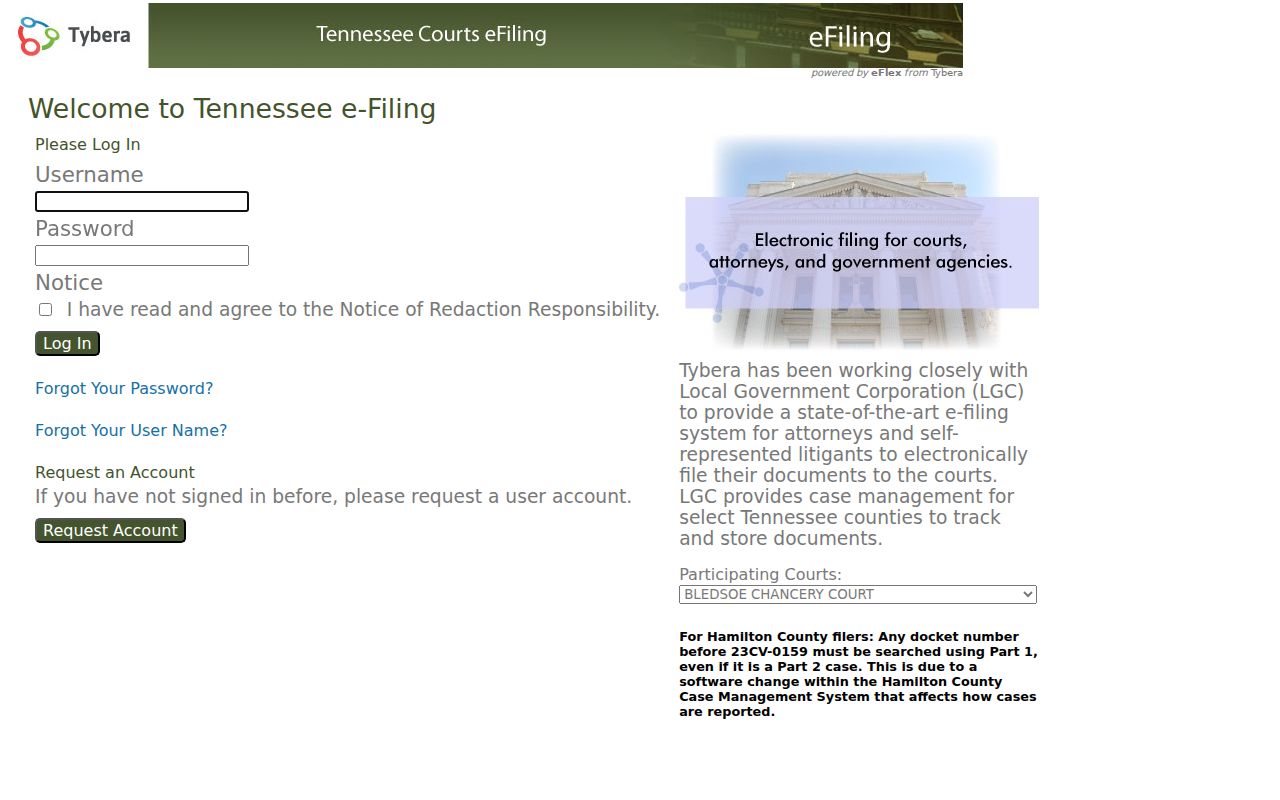
A document filed through eFlex will not always show up right away in public case information. Local e-filing rules control acceptance, service, deadlines, and fees. If a filed item is missing from public view, contact the clerk.
Sealed Records and Public Access
Tennessee Supreme Court Rule 34 gives the public a right to inspect court records. Carve-outs exist for sealed, protected, confidential, draft, and deliberative material. Rule 1A starts from the premise that civil records are open. Sealing demands a serious and substantial interest with no less restrictive means available. Juvenile Rule 114 adds stricter confidentiality for juvenile proceedings. Treat expunged records as closed too. Even an old reference to them still lingers somewhere. The county inquiry's official terms govern access to the service. The terms screen is the first thing a visitor encounters there.
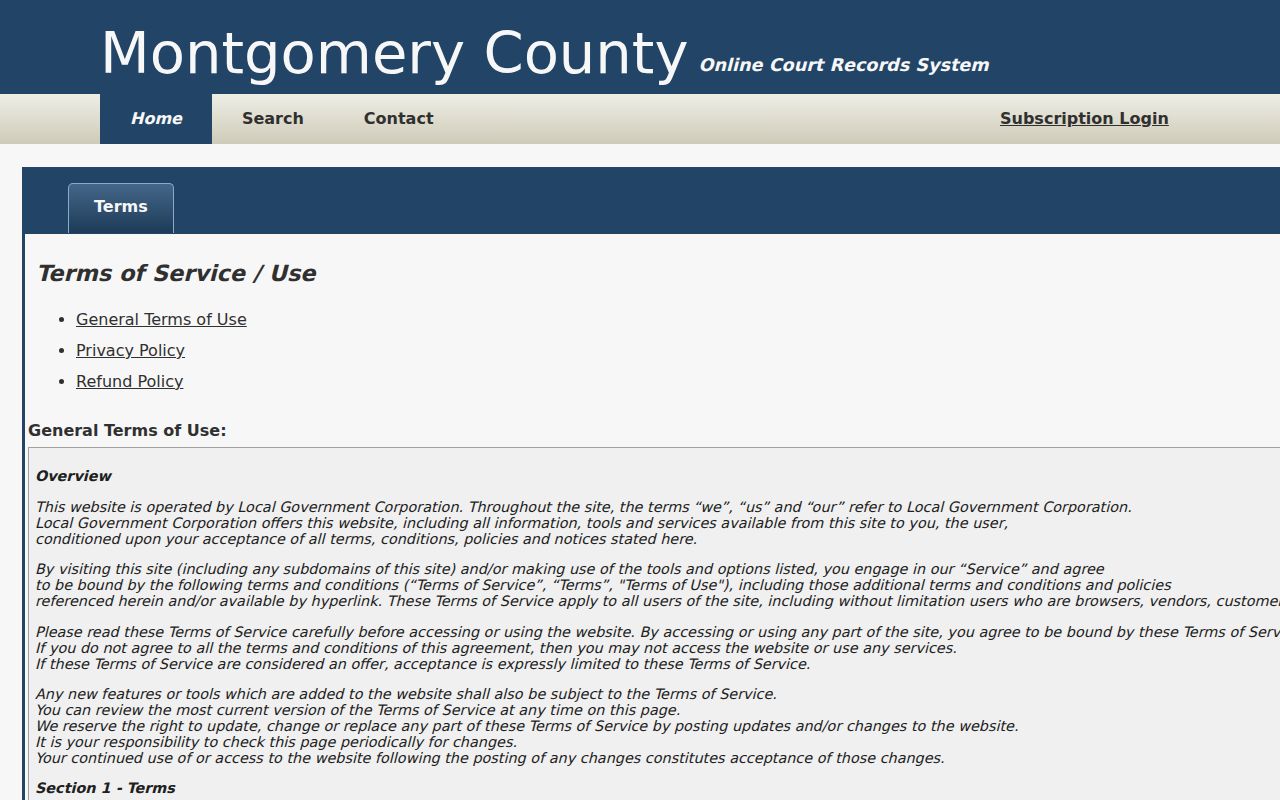
Finding something in a public portal is not permission to push past a restriction. If access is denied, ask the clerk which rule blocks it and what court procedure exists for seeking access. Staff cannot hand over protected details, so don't ask them to.
Montgomery County Circuit Court Clerk
2 Millennium Plaza, Suite 115
Clarksville, TN 37040
931-648-5700
cccmont@mcgtn.net
Monday through Friday, 8:00 a.m. to 4:30 p.m.
Montgomery County Record Request Checklist
A narrow, complete request lets the clerk find the right Montgomery County court record fast. Give the full case number if you have it. Add the court and division, the exact document, and the filing or entry date. Say whether you just want to inspect it or need a plain or certified copy. Name your preferred format. Leave a phone number or email in case a question comes up about scope. Skip sensitive details like a Social Security number, full birth date, or financial account unless the court specifically requires them through a secure process.
Keep your wording direct: "Please advise how to inspect or obtain a copy of the named document in the identified court and case, filed or entered near the stated date." State your certification choice. Then ask about the applicable fee, payment method, mailing cost, and pickup option. When a record is restricted, ask which rule or order applies and what court process is open to you. Clerk staff will explain access and fees. They cannot give legal advice or lift a judge's restriction.